 SOLUTIONS
What is pixel pitch? With an LED wall viewing distance chart
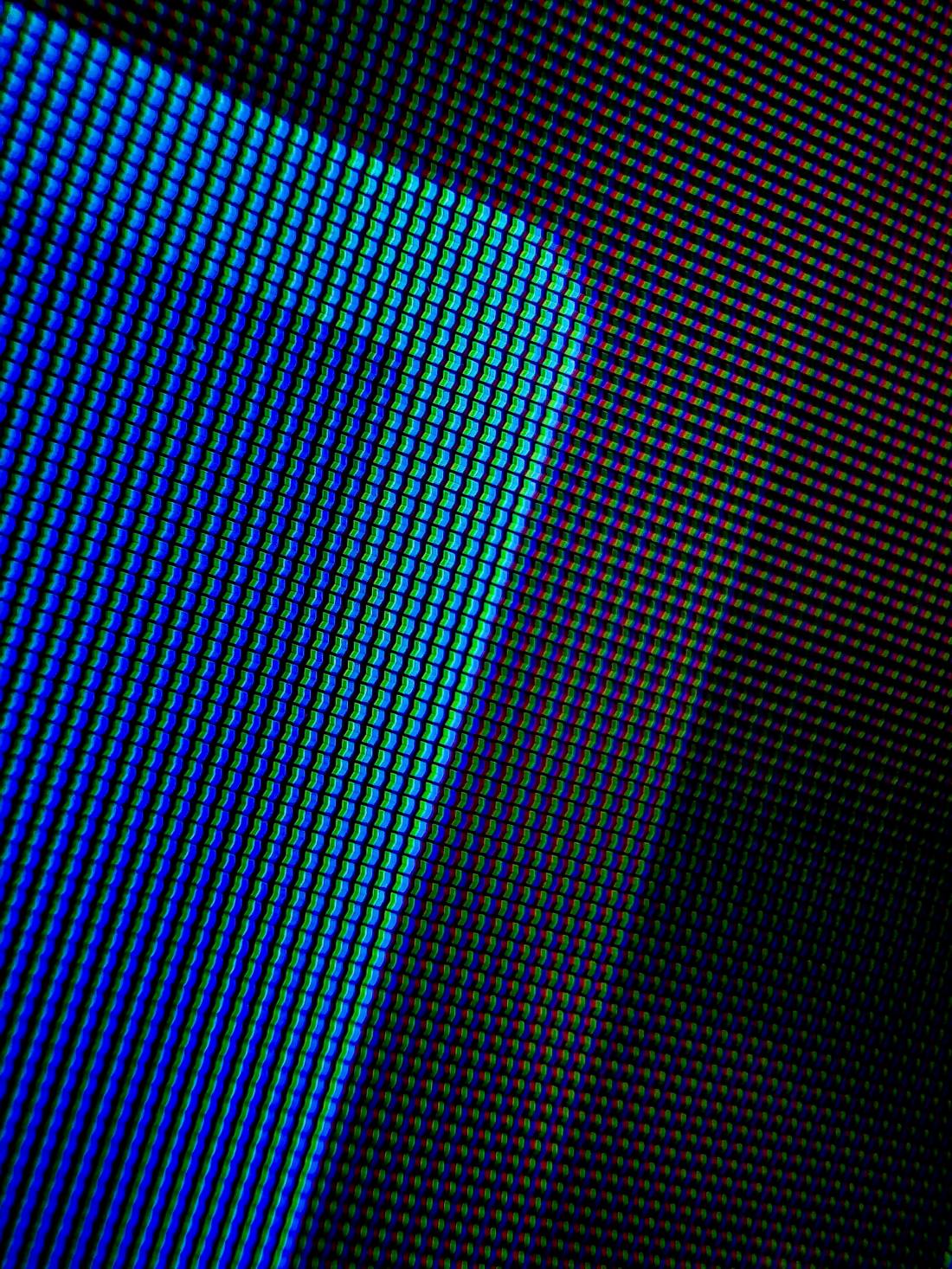
Pixel pitch is the distance from the centre of one LED pixel to the centre of the next, in millimetres. It is the number after the P: a P2.5 LED wall has pixels 2.5 mm apart, a P3.91 wall 3.91 mm apart. The smaller the pitch, the more pixels in each square metre, the sharper the picture up close, and the higher the price.
How pixel pitch changes the picture
Halving the pitch puts four times as many pixels in the same area. That is why a P1.25 wall has 640,000 pixels per square metre while a P2.5 wall has 160,000, and why fine-pitch screens cost more per sq ft: they need many more, smaller LEDs and more driver electronics.
Pitch also sets the resolution of a wall of a given size. A 4 × 2.5 m wall is 1,344 × 840 pixels at P2.91 but 1,024 × 640 at P3.91. For a sharper picture on the same wall you need a finer pitch; to get the same resolution from a coarser pitch, you need a bigger wall.
LED wall viewing distance chart
Two distances matter. The closest comfortable distance is roughly 1 m for every mm of pitch: nearer than that, people start to see individual dots. Beyond about 3.4 m for every mm of pitch, the eye cannot pick out pixels at all, so a finer pitch adds cost without any visible benefit for those viewers.
| Pitch | Pixels per m² | Closest comfortable viewing | Pixels invisible from | Typical use |
|---|---|---|---|---|
| P1.25 | 640,000 | 1.25 m | 4.3 m | Boardrooms, control rooms, studios |
| P1.56 | 409,600 | 1.6 m | 5.4 m | Meeting rooms, retail counters |
| P1.86 | 288,906 | 2 m | 6.4 m | Lobbies, jewellery stores, training rooms |
| P2.5 | 160,000 | 2.5 m | 8.6 m | Showrooms, banquet halls, auditoriums |
| P2.6 | 147,456 | 2.6 m | 9 m | Stages, conferences, halls |
| P2.91 | 112,896 | 3 m | 10 m | Events, concerts, large halls |
| P3.91 | 65,536 | 4 m | 13.4 m | Big stages, ballrooms, shop fronts |
| P4.81 | 43,264 | 5 m | 16.5 m | Outdoor stages, stadiums, facades |
| P6 | 27,778 | 6 m | 20.6 m | Outdoor billboards |
| P8 | 15,625 | 8 m | 27.5 m | Highway and rooftop billboards |
| P10 | 10,000 | 10 m | 34 m | Large billboards seen from far away |
Rules of thumb, not hard limits: content, brightness and how long people look at the screen also matter.
How to choose the pitch for your room
- Measure the distance from the screen to the nearest seat or standing spot.
- Pick a pitch whose closest comfortable distance is at or below that: a front row at 3 m means P2.91 or finer.
- Check the resolution your content needs at the wall size you can fit. If small text must be read from the back, go finer or bigger.
- Compare prices. The coarsest pitch that passes steps 2 and 3 is usually the best value.
Compare pitches in P2 vs P2.5 vs P3 vs P4, see every pitch side by side in LED wall specifications, or work out a wall with the LED wall calculator.
Pitch is not the whole story
Two walls with the same pitch can look quite different. Refresh rate (3,840 Hz or more if cameras will film the screen), greyscale, LED quality, brightness uniformity and calibration all matter. Ask for the maker’s spec sheet with every quotation.
Common questions
What does P mean on an LED screen?
P stands for pitch: the distance between the centres of two neighbouring pixels, in millimetres. P2.5 means 2.5 mm, P3.91 means 3.91 mm.
Is a lower pixel pitch better?
A lower pitch is sharper up close but costs more. It is only better if your viewers are close enough to notice: beyond about 3.4 m for every mm of pitch, the extra pixels cannot be seen.
What viewing distance does a P3.91 LED screen need?
About 4 m or more for comfortable viewing. From around 13 m the individual pixels cannot be seen at all.
More guides
Tell us about your space
Share a few details and our team will call you to plan a site survey, in Kolkata or anywhere in East and North-East India.
- Free advice on pitch, size and brightness
- Branded or imported panels to suit your budget
- Installation and AMC by our own team